
Appearance
Login
To log in to the einvois.io account, use this page.
User ID will be created by our Crayonte team. After the account is set up, your username and password will be sent to the registered email address.
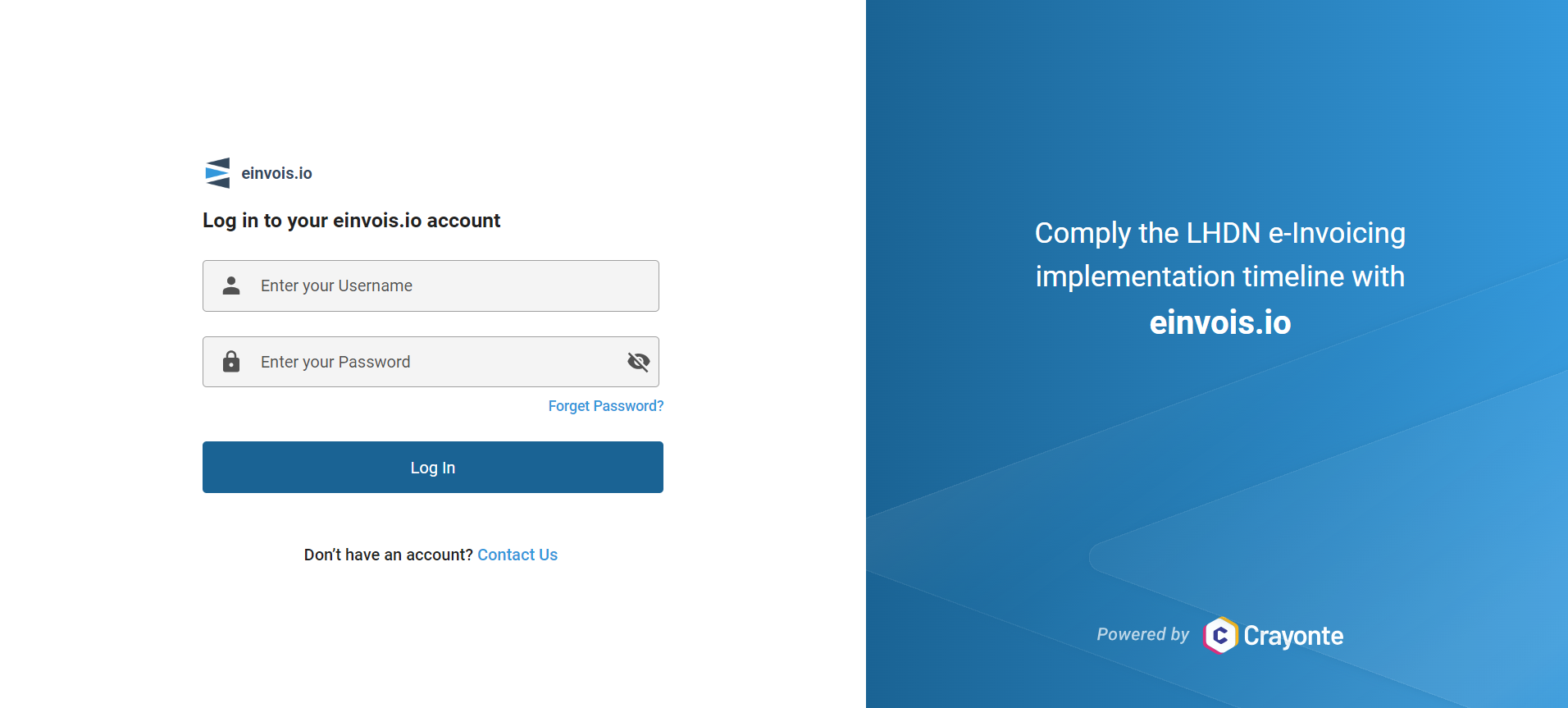
Username:
Enter your username.
Password
Enter your password. It includes an option to show or hide the password for convenience.
Log In
Click this button to log in.
Logout
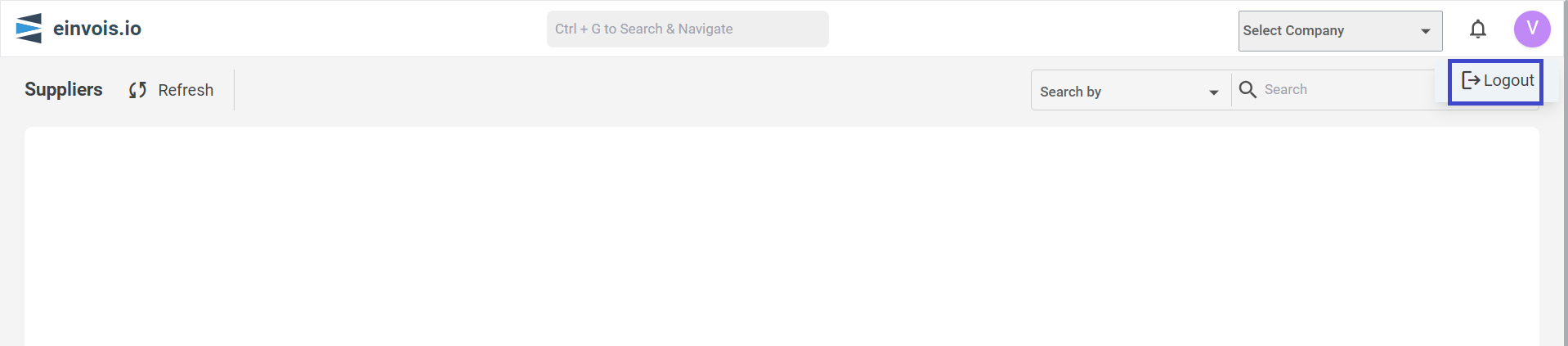
- Click on the account icon located at the top right corner.
- Select "Log Out" from the dropdown menu to log out of your account.
Forget Password
If you forget your password, follow these steps:
1. Click "Forgot Password":
This link is located under the password field on the login page.
2. Enter Your Email Address:
Provide the email address associated with your account, then click "Get OTP."
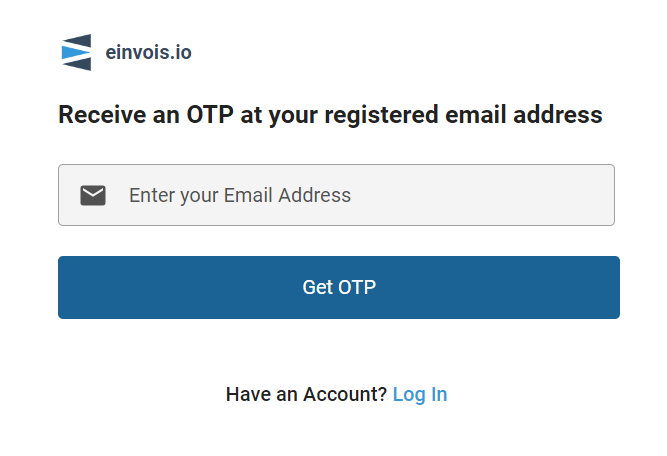
3. Receive OTP:
An OTP (One-Time Password) will be sent to your email.
4. Enter OTP:
Input the OTP you received and click "Submit."
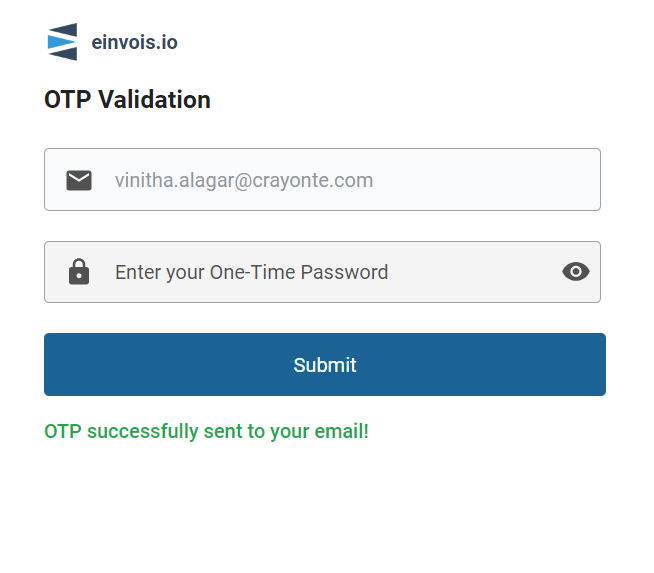
5. Change Password:
The option to change your password will appear. Enter your username and set a new password.
6. The new password must:
- Be at least 10 characters long.
- Contain at least one number (e.g., 0-9).
- Include at least one lowercase letter (a-z).
- Include at least one uppercase letter (A-Z).
- Include at least one special character (e.g., !@#$%^&*).
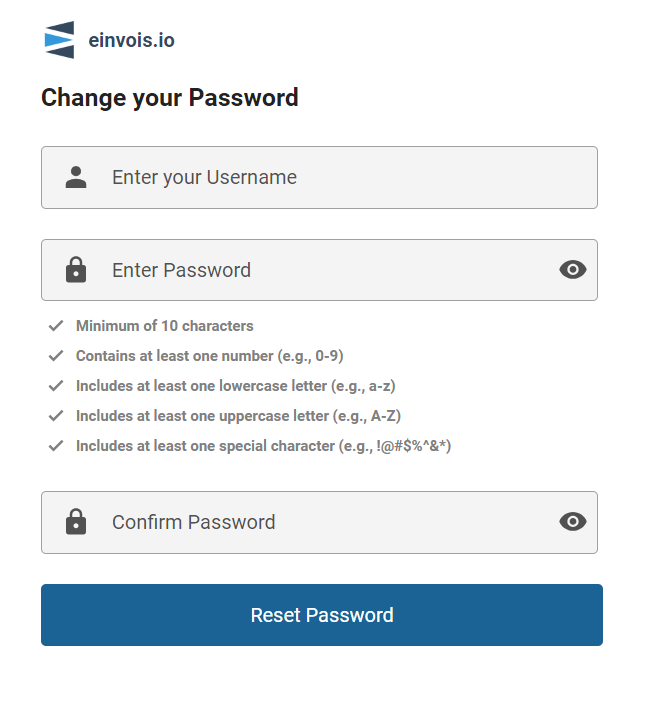
Finally, click "Reset Password" to complete the process.
After setting your new password, you can use it to log in.